Homebrew
brew install --cask guan-ops/tap/agent-signal-bar
Installs the latest published release through the guan-ops Homebrew tap.
 Agent Signal Bar
Menu bar and floating desktop status lights for AI agents on macOS.
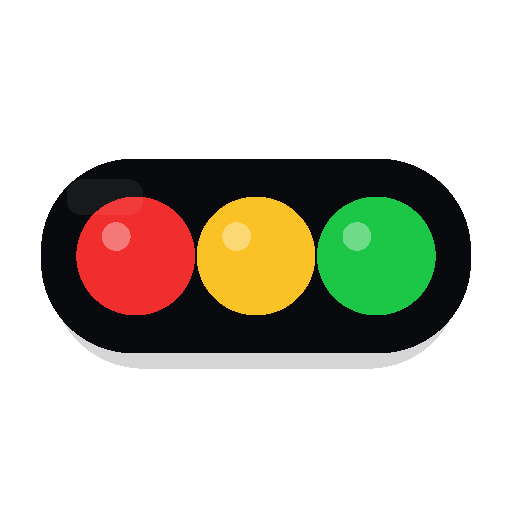
Keep Codex Desktop, Claude, and local automation visible from the menu bar or a draggable desktop signal light. Green means work is moving, yellow asks for attention, and red means you need to step in.
brew install --cask guan-ops/tap/agent-signal-bar
Free and open source. macOS 14+. Ad-hoc signed release builds today.
The desktop light syncs with the menu bar signal, supports dragging, resizing, vertical or horizontal layouts, a compact running-agent badge, and a small current-session popover.

Agent Signal Bar turns noisy agent progress into a glanceable menu bar signal. It protects permission, blocked, and attention states so urgent work is not overwritten by normal background activity.

Choose detailed panels when you want context, or a simple native menu when you only need quick actions.


Real v1.6.0 UI with synthetic demo data (demo@agentsignalbar.app), Dark appearance, and Standard Liquid Glass. Hover details show each model’s tokens, estimated cost, and share.


Status files, hook events, Codex Desktop session parsing, and diagnostics stay on your Mac. The app does not require a cloud account or telemetry backend to do its job.

Use Homebrew for the quickest install, download the DMG from GitHub Releases, or run the SwiftPM app directly from the checkout.
brew install --cask guan-ops/tap/agent-signal-bar
Installs the latest published release through the guan-ops Homebrew tap.
AgentSignalBar.dmg../script/build_and_run.sh --verify
Use the verification flag when you want startup checks after the build.